
Token Tax
How to Pay Token Tax in Pakistan: Branch, Online Banking and Portal
Key takeaways
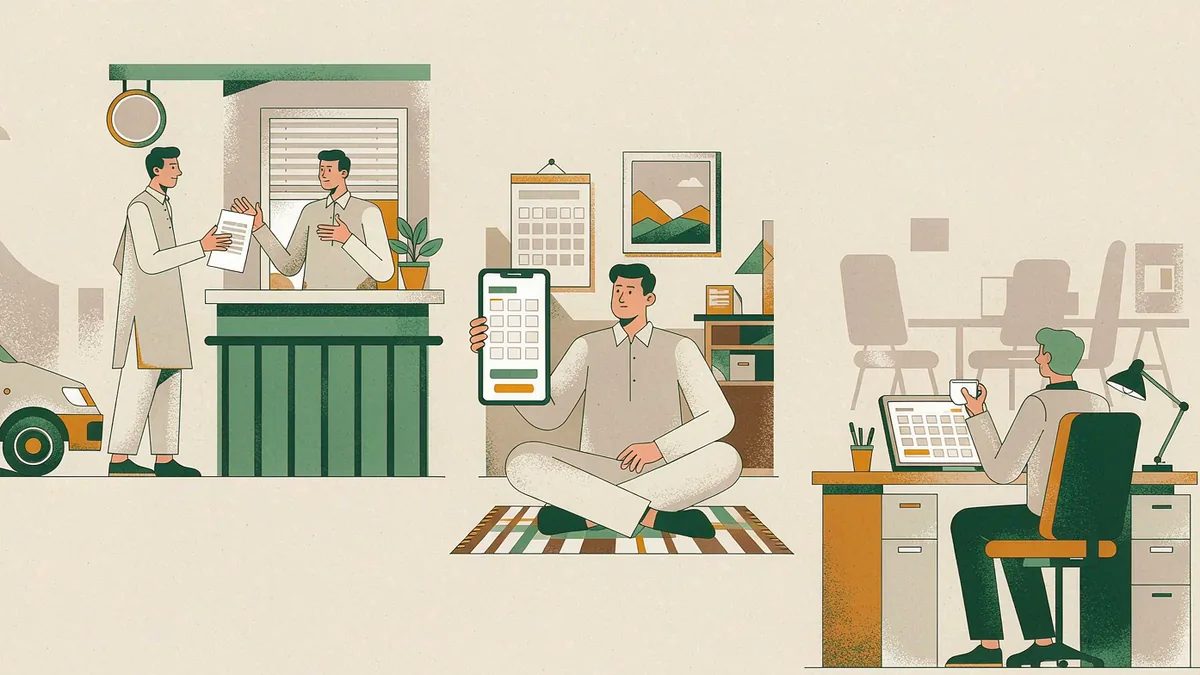
- Three routes settle the same charge: branch slip, online banking, provincial portal.
- Enter the registration number carefully; a payment posted wrongly is hard to move.
- Save the challan, stamped slip or transaction reference for every period paid.
- Re-check the vehicle record a few days later to confirm the period shows paid.
Token tax in Pakistan is paid against a vehicle's registration number, and most provinces now offer three routes: a payment slip taken to a bank branch, online or mobile banking, and the provincial department's own portal. All three settle the same charge and all three produce a record against the vehicle, so the choice is mostly about which one gives you usable proof fastest. This guide walks through each route and explains why the proof matters as much as the payment.
What you need before you pay
Whichever route you use, the payment is keyed to the vehicle, so have these details to hand:
- the registration number exactly as it appears on the registration book or smart card
- the chassis number, where the channel asks for it as a second identifier
- the owner's CNIC number
- the period you are paying for, since a lapsed year is a separate item from the current one
Check the current token tax position first if you are unsure which periods are outstanding. Paying blind often means paying the current year while arrears from earlier years stay on the record and surface later at a transfer counter.
The payment slip and branch route
This is the route most owners know. The provincial department or its portal generates a payment slip, sometimes called a challan, showing the vehicle, the period and the amount due. You take the slip to a designated bank branch, pay over the counter, and receive a stamped or system-generated receipt.
Its advantage is that you leave with physical proof, and bank staff can confirm the payment went through against the slip reference. Its drawback is the branch visit itself. Keep the stamped slip with your vehicle file, because it is what you will be asked for if the record later shows the period as unpaid.
Using online and mobile banking
Most major banks support government and tax payments through their internet banking and mobile apps. The payment is usually found under a bill payment, government payment or tax payment section, by selecting the province's excise or token tax category and entering the registration number.
Two habits make this route reliable. First, enter the registration number carefully and check it on the confirmation screen, because a payment posted against the wrong number is difficult to move afterwards. Second, save the transaction reference and the confirmation screen. A screenshot that shows the registration number, the amount and the reference is usable evidence; a bank statement line without the registration number is weaker.
Paying through the provincial portal
Several provincial excise and taxation departments run their own online service where a vehicle record can be searched, the outstanding period shown, and payment made directly. Where the portal supports it, you can also download or print the paid challan from the same session.
Use only the official channel published by your provincial department. Payment agents and informal intermediaries advertising quick service on social media are not authorised, and a payment made through one may never appear on the vehicle's record. VehicleInfoPk is an independent guide and does not process payments.
Proof of payment and why you keep it
Payment and record are two different things. A payment can clear from your account and still take time to reflect against the vehicle, and a record can fail to update if a reference was mistyped. Proof is what closes that gap.
- Keep the paid challan, the stamped bank slip or the transaction reference for every period, in one folder or one phone album.
- Note the date, the amount and the period the payment covered.
- After a few working days, check the vehicle's token tax status again to confirm the period now shows as paid.
- If it still shows unpaid, contact the department with your proof rather than paying a second time straight away.
This matters most at two moments: when you transfer the vehicle, and when you apply for a fitness certificate. In both cases the check is made against the record, and a folder of receipts is what turns a disputed record into a short conversation.
Choose one route, pay the outstanding period, and confirm a few days later that the vehicle record shows it as paid. Keeping every receipt in one place is the difference between a quick fix and a repeat payment.
Keep reading
Token Tax in Pakistan: What It Is, Who Pays and How It Is Calculated
Token tax in Pakistan is the annual provincial road tax on a registered vehicle, charged by engine size or category. Rates differ in every province.
Token Tax Categories in Pakistan: Private, Commercial and Public Transport Vehicles
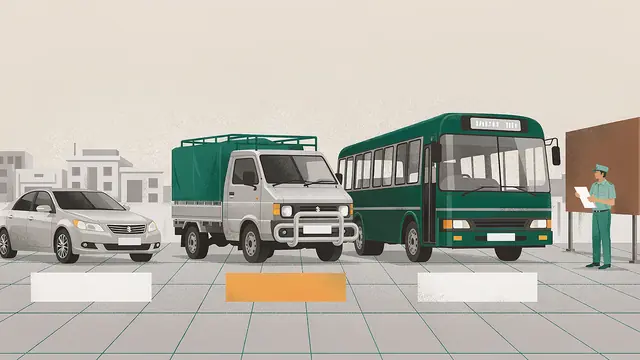
Token tax categories in Pakistan split private, commercial and public transport vehicles into separate provincial schedules with different annual rates.
Late Token Tax Penalty in Pakistan: Arrears, Surcharge and Clearing Your Record
Late token tax arrears stay on the vehicle record until cleared. Learn where unpaid dues surface, then how to settle them and fix the record.